We are onto the drawing stage with my Y11 and Y12 classes now. Even though we are on lockdown, the show must go on.
I have written a few blog posts about setting this up
We are onto the drawing stage with my Y11 and Y12 classes now. Even though we are on lockdown, the show must go on.
I have written a few blog posts about setting this up
Tinkercad is awesome at any time but during lockdown it is great. My students can do 3D design from home and they are supported by the lessons that Tinkercad make, taking you step by step through individual skills. What is also really useful is the "class" that you can set up. This makes it super easy to see the work the students are doing without them having to share it with you.
I have tried to set up my class site with step by steps and videos to help them with skills to go along with the Tinkercad ones, They can then see the steps being done on video. My Y8 group have just started learning the skills so I have been working through tasks with them as well as making them videos that they can watch in their own time. I have tried to keep my videos nice and short and to the point so they are targeted to specific tasks and skills.
Great blog post from Deborah, explaining one of her Tinkercad lessons.
Some of my Year 12 class are ready to continue with their design work. We are onto design development and they need to include details like cross sectional views. When we are on site, I get the students to make shapes in 3D with plasticine to cut in half, so they have a visual understanding of where the cut surfaces are so they can draw them on paper.
I have set up my drawing area for online teaching, Blog post here, but I needed to find a way of explaining cross sectional. views in 3D for them.
I made some blocks out of Lego. One was a solid cube, one was a solid cube made in two sections and one was a hollow cube in two sections. I made them all the same size so i could relate them back to the original one that is not cut in two.
Here is a brief section from the lesson today. It was great to hear the students drawing and then showing me their drawings on the camera so we could see that everything was being undserstood.
As I am busy building Lego at the moment, following the instructions, I thought we could have a go at making our own Lego instructions for someone else to follow.
Here is where the work is set up on my class site.
They can choose what ever they like to build and break it down into what steps are needed to get it across clearly to someone else.
I have included a video for them so they can use remove.bg to get rid of the backgrounds in the photographs of their lego pieces.
We have been on lockdown for getting on for 5 weeks now and my students need to get on with their drawing work. We have done loads of work that can be done online on Google docs etc but it is time for a few of them to move on.
I had a chat with a couple of them last week about getting some drawing done in the next week and they are keen so it was time to get my set up sorted out.
On my desk I have arranged it so that I can draw live on a Google Meet with the students and also record my drawings for them to try in their own time.
I know being able to draw with the students next week will make me feel so much better.
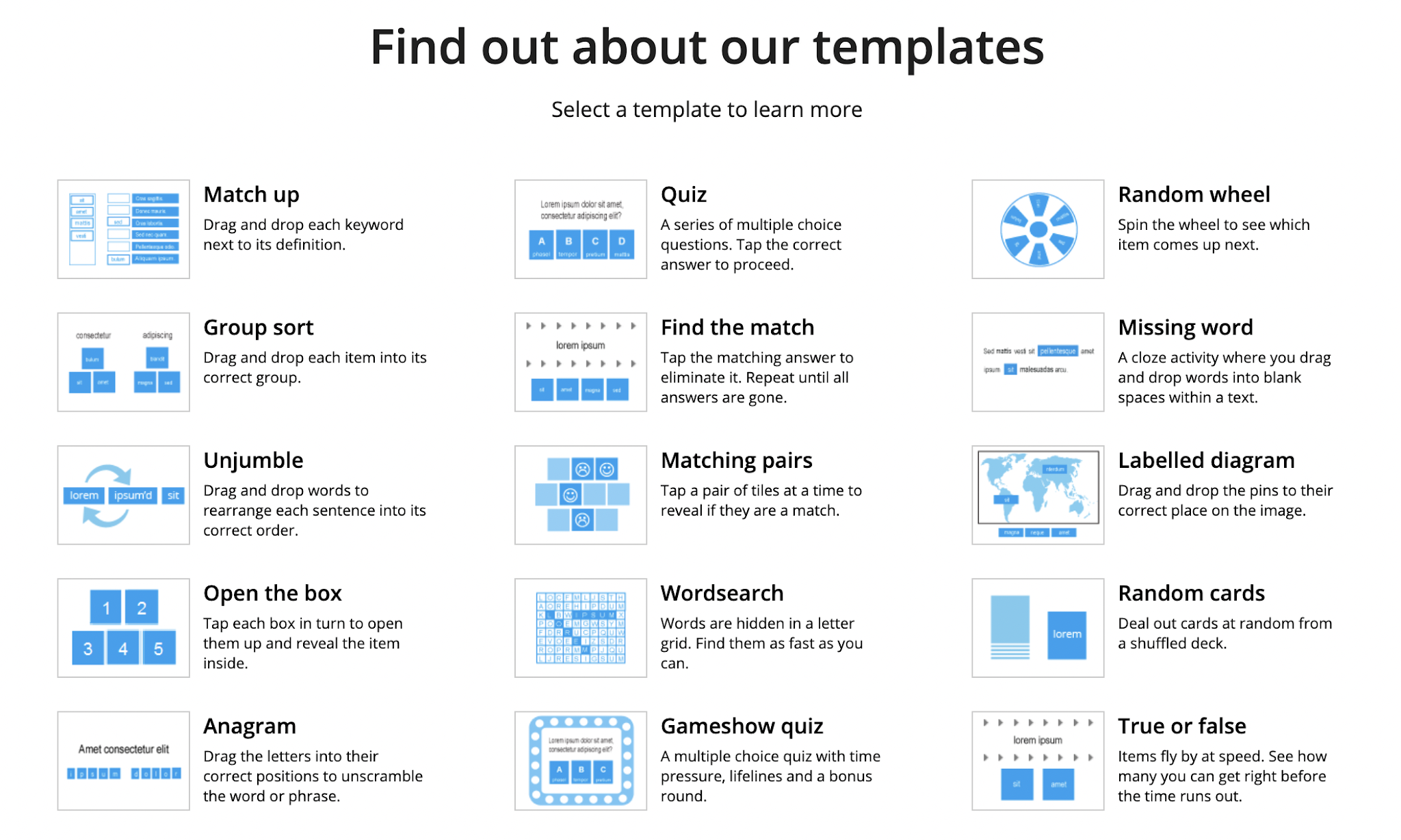
Today, Mr Cunard in our PE department played a game with use using the flip grip option on Wordwall. He then shared the link to the website. When I checked it out I found there was a load of options and templates to choose from.
I made a video to explain.
My two new intermediate coding classes have got to learn what an algorithm is. They have to know and show what this is both in a non digital and digital way.
Link to algorithms page on class site
I have started with them finding three things that they know about and breaking them down into input, algorithm, output. I have made an example for them to look at and made an explanation video for them to watch after the lesson to remind themselves what to do. I also found a good explanation video on YouTube.
The second activity on this page is to be done in their own time while we are in lockdown. They have to write instructions for someone else to follow. They then have to analyse how it went and write up any changes they would make to improve their instruction (debugging).
I have written these activities to line up with the tracking document linked to the Progress Outcomes. Blog post here about this tracking sheet These activities are linked directly to Progress Outcome 1.
At the top of the site page, I have included some extra reading for the students and extra activities for them to try.
My inquiry is based around making the class site a much more supportive and multi modal environment for the students to use. Blog post 1 here Blog post 2 here outlining how I see the inquiry problem.
Part of that recently was to make examples and support videos of the design brief process for my Year 12 students. I purposefully only did part of the process to see if there was any use for this support.
Link here to where this is on the class site - as of writing this blog post, I included support up to page 4 of the design brief document.
I have recently received feedback form two students from that class who are further ahead than the rest of the class.
Student A was the first to get ahead of where I had included support. He comes to talk to me one to one a lot and we discuss together what he is working on at the time. I asked him if the support on the site had been helpful. He had used it but he still comes to me to talk one to one. Then I asked him if the support on the site was any good as he was talking to me a lot more than the rest of the class. Did I need to improve or change it to make it more useful. He does use the site but he really likes to talk one to one so he can go over his work in detail and get ongoing feedback so he knows he os on the right track.
Student B came to me this week as she had got as far as the support on the site had and was asking me where the next ones were. I asked here if she had been using the videos on the site up to now and she said she has been using all of them. She said they were really helpful. This student is very hard working and always likes to keep up to date with her work and she said the videos helped her with this. She is very self motivated and will work at home and email me regularly to check her work.
When I look on YouTube, where I have uploaded the videos, there is definite evidence of the videos that I have made for the Year 12's so far this year being watched.